How to make a sewing pattern to your measurements, step by step
Short answer. Pick the garment in Kutopy's editor, choose your size or type in your measurements in centimetres, and adjust any style options. Then download the PDF on Letter or A4, print it at 100% and tape the pages together. You don't need to know pattern drafting and there is no sign-up.
A made-to-measure pattern is drafted from your numbers instead of being scaled up or down from a base size. In Kutopy the editor does the drafting: you choose the garment, your size or measurements and the style, and the pattern comes out ready to print. Here is the whole process, screen by screen.
1. Pick the garment
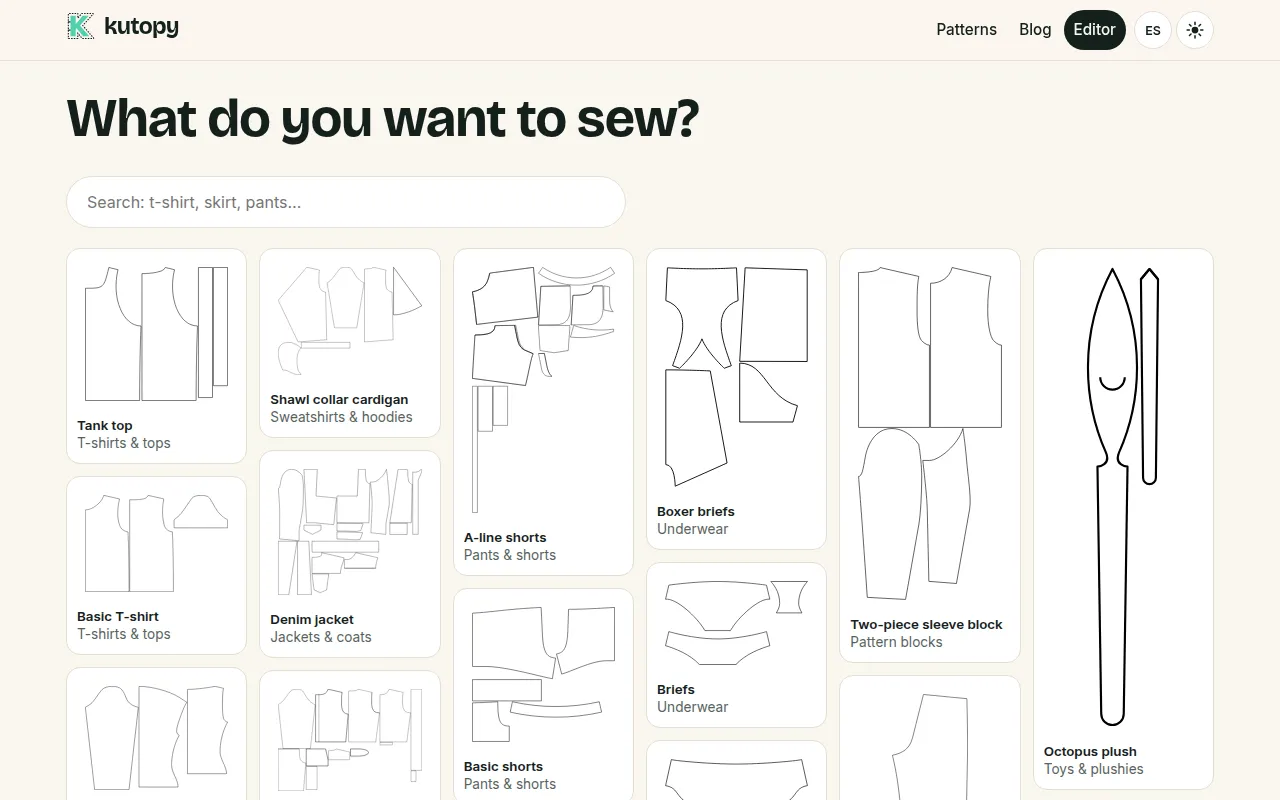
Open the editor. The first screen asks what you want to sew and has a search box: type "skirt", "hoodie" or "trousers" and tap the garment. If you come from a pattern page, the "Make it to my measurements" button opens the editor with that garment already chosen.
2. Choose your size
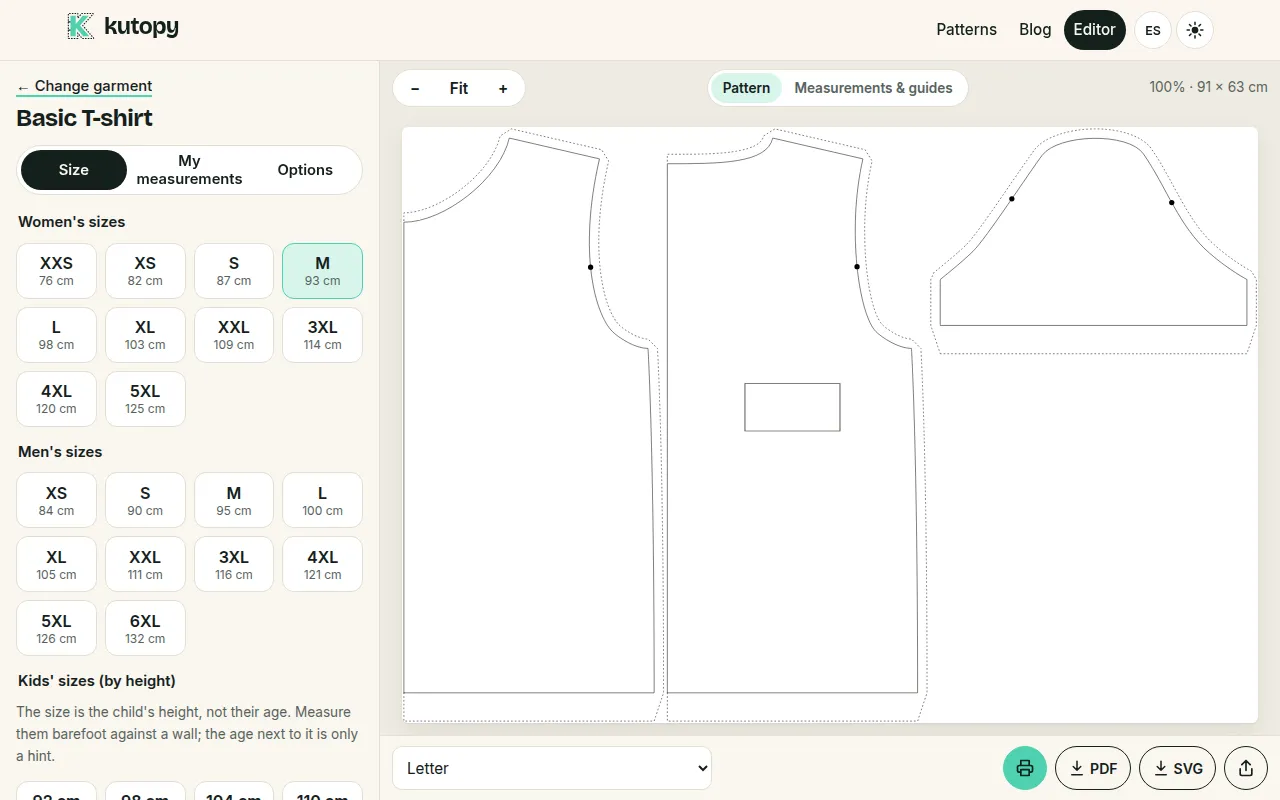
The Size tab lists women's and men's sizes and, when the garment has them, kids' sizes (by height). Under each letter you see the chest measurement. Tap yours and the pattern on the right redraws straight away. A size already gives you a complete pattern; if shop clothes in that size fit you well, you can skip to step 5.
Not sure of your size? The size chart lists bust, waist and hips for every size in centimetres and inches.
3. Enter your measurements for an exact fit
On My measurements, tick "Use my measurements". The editor starts from the size you chose and lets you change only what does not match: if your hips are wider or your arms longer than the chart, correct those two numbers and you are done. Each measurement has a drawing showing where to take it.
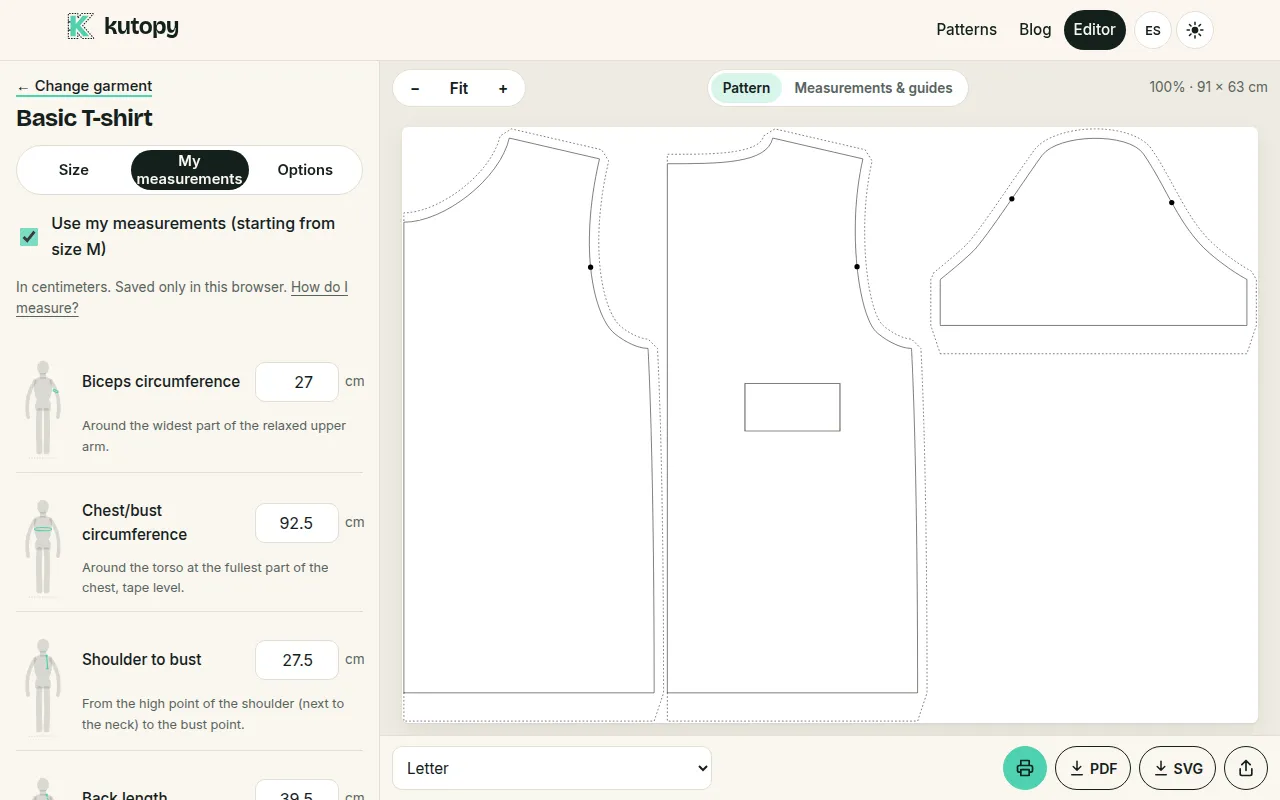
Measurements are in centimetres and stay in this browser only. If you have never measured yourself for sewing, follow thebody measurement guide: you need a tape measure and ten minutes.
4. Adjust the style
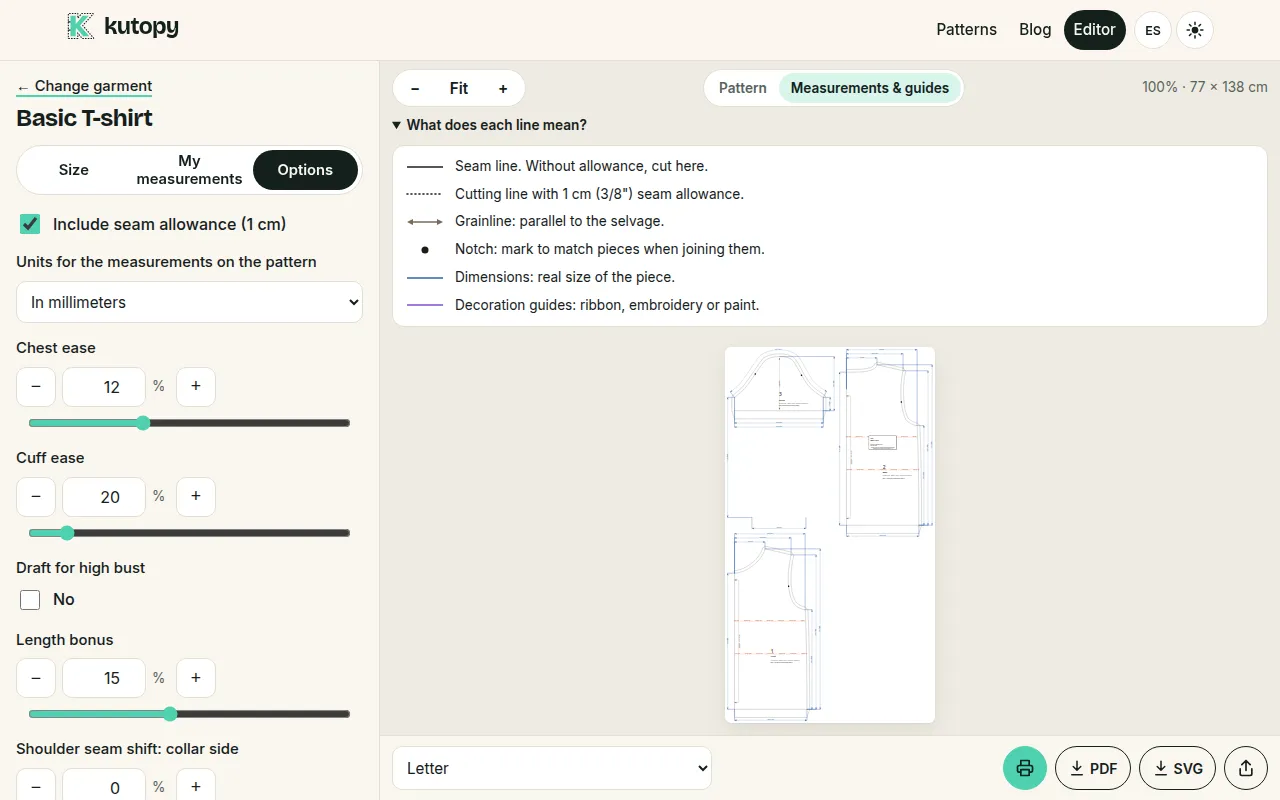
The Options tab changes the design without touching your measurements: length, ease, neckline, sleeves, pockets… It depends on the garment. The main options are in view and the rest sit under "Show advanced options". Anything you change is marked "modified" and listed on the PDF cover page, so you never print a setting by accident.
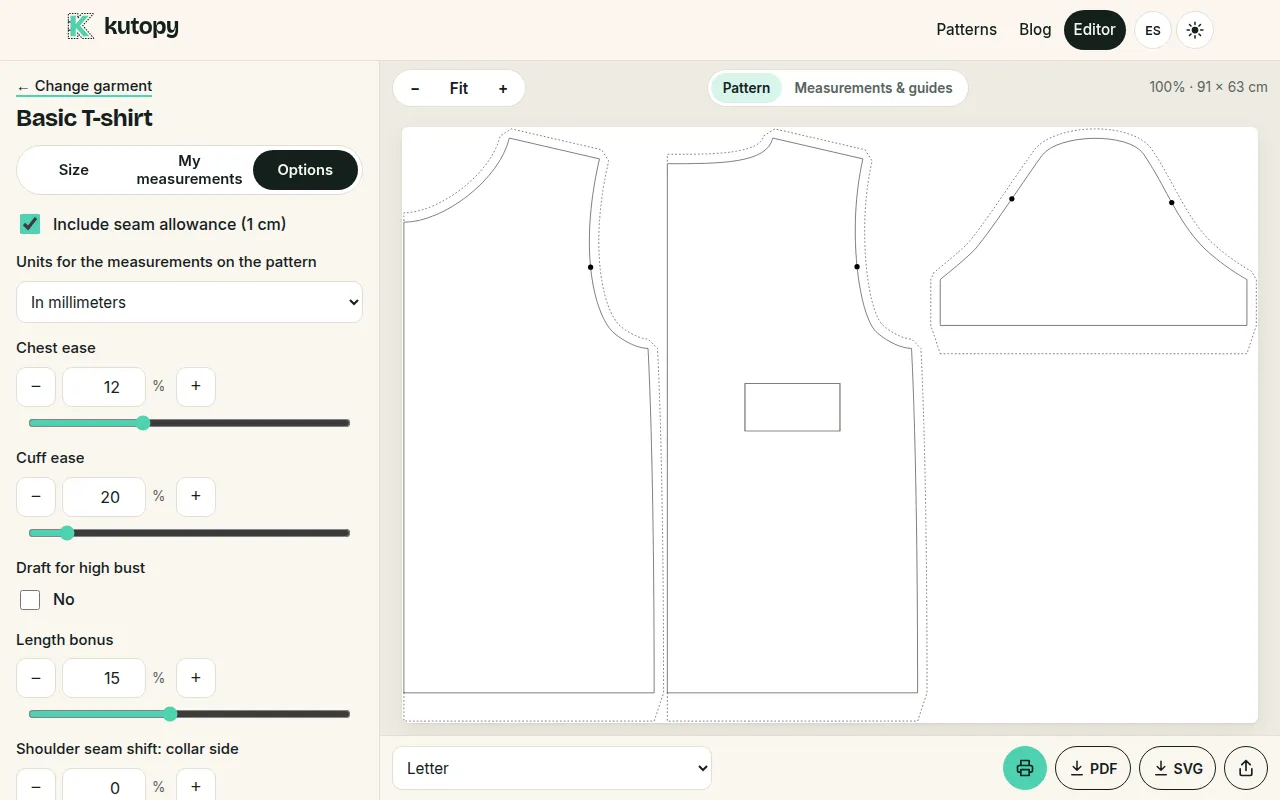
The seam allowance checkbox is on this tab too. It comes on with 1 cm (3/8"); seeseam allowance: how much to leave.
5. Check the pattern lines
Above the pattern there are two views. Pattern shows only what you will cut.Measurements & guides adds each piece's dimensions, the notches and the grainline, and opens the "What does each line mean?" key. Zoom with the buttons, with two fingers on a phone, or with Ctrl and the mouse wheel.
If this is your first pattern, read how to read a sewing pattern before you cut.
6. Download and print
At the bottom you choose the paper. For home there is Letter and A4: the PDF is split into numbered pages that you tape together. For a print shop or plotter there is full size on one sheet, a 36" roll and two large sheet sizes. TapPDF and the file is ready in a few seconds; the message tells you how many pages it takes.
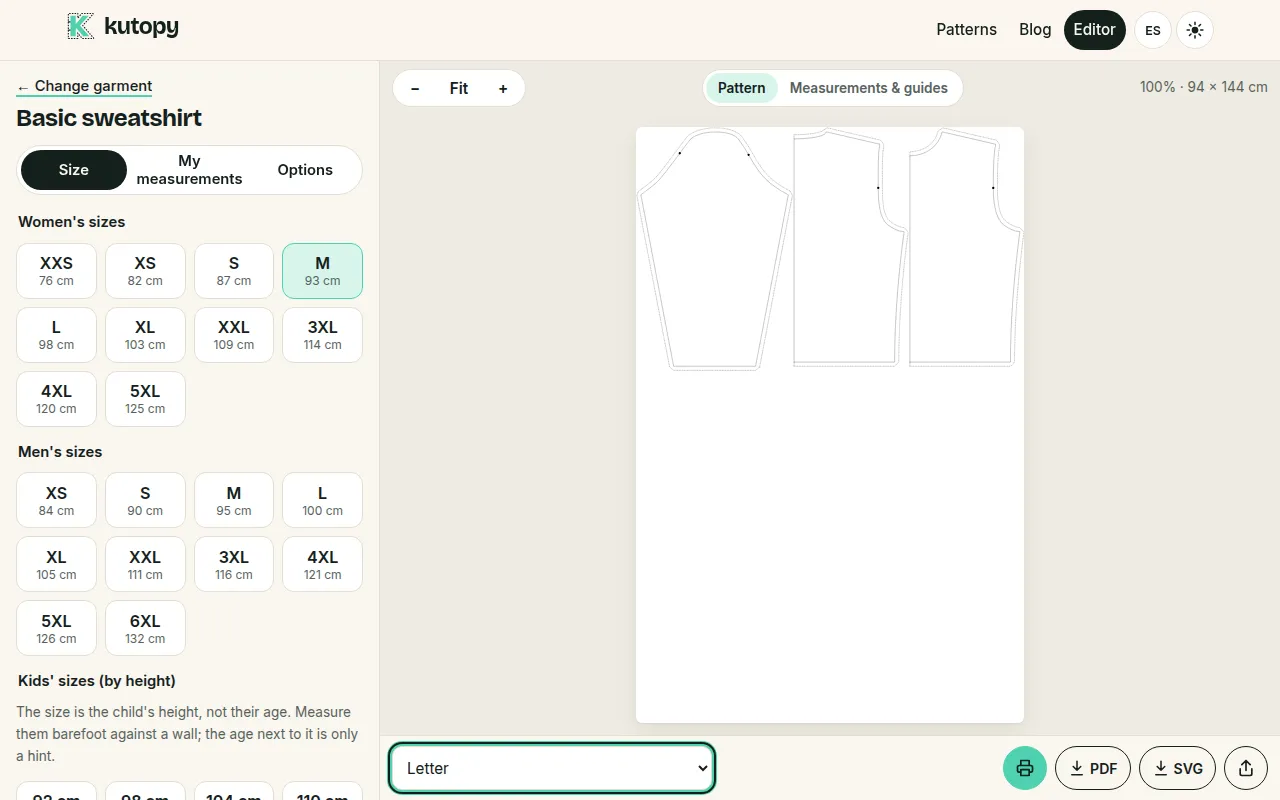
Always print at 100% and measure the 10 × 5 cm test box before going on. The details, and when a copy shop is worth it, are in printing PDF patterns at home or at a copy shop.
On your phone
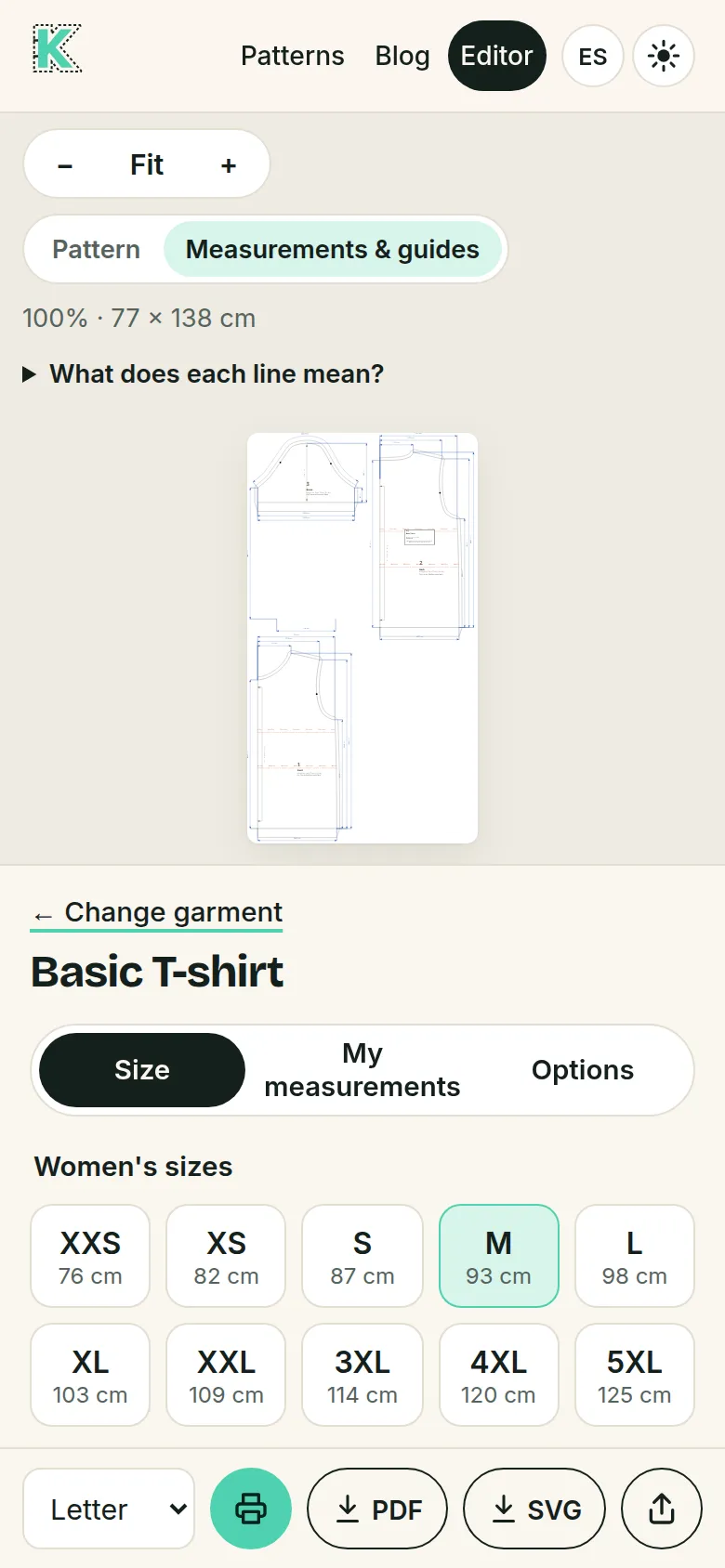
Everything above works on a phone. The pattern sits at the top, with pinch to zoom, and the size, measurements and options panel goes underneath. The PDF downloads so you can send it to a printer or a copy shop.
 Try it with your measurementsBasic T-shirt to your measurementsOpen in the editor
Frequently asked questions
Do I need pattern drafting skills to make a custom pattern?
No. The editor drafts the pattern from your measurements using the drafting rules of each garment. You choose the garment, your size or measurements, and the style.
Which measurements do I need?
It depends on the garment: a T-shirt uses chest, waist, hips, neck, shoulders and arm and back lengths; a skirt uses waist, hips and length. The editor only asks for the ones that pattern uses, and the measuring guide explains each one.
Are my measurements saved?
Only in your browser, on your device. Kutopy has no accounts and never receives your measurements.
Does it cost anything?
No. The patterns are free, with no sign-up or watermarks, and you can sell what you sew with them.
Does it work on a phone?
Yes. You can set your size, measurements and options on your phone and download the PDF to print later.


