Printing PDF sewing patterns: at home or at a copy shop?
Short answer. For small garments (tops, T-shirts, kids' clothes) print at home on Letter or A4 and tape the pages together. For coats, circle skirts or full-length trousers it is easier to take the PDF to a copy shop at full size, on a 36" plotter roll or large sheets. Either way, print at 100% and check the 10 × 5 cm test box.
A PDF pattern can be printed two ways: tiled onto pages you tape together at home, or whole on large paper at a copy shop or on a plotter. Both give the same full-scale pattern. What changes is how long you spend with the tape.
How many pages each garment takes
| Pattern (size M) | Letter pages | 70 × 100 cm sheets |
|---|---|---|
| Zero-waste top | 12 | 1 |
| Basic T-shirt | 15 | 1 |
| Apron | 18 | 2 |
| Circle skirt | 27 | 3 |
| Chinos | 28 | 4 |
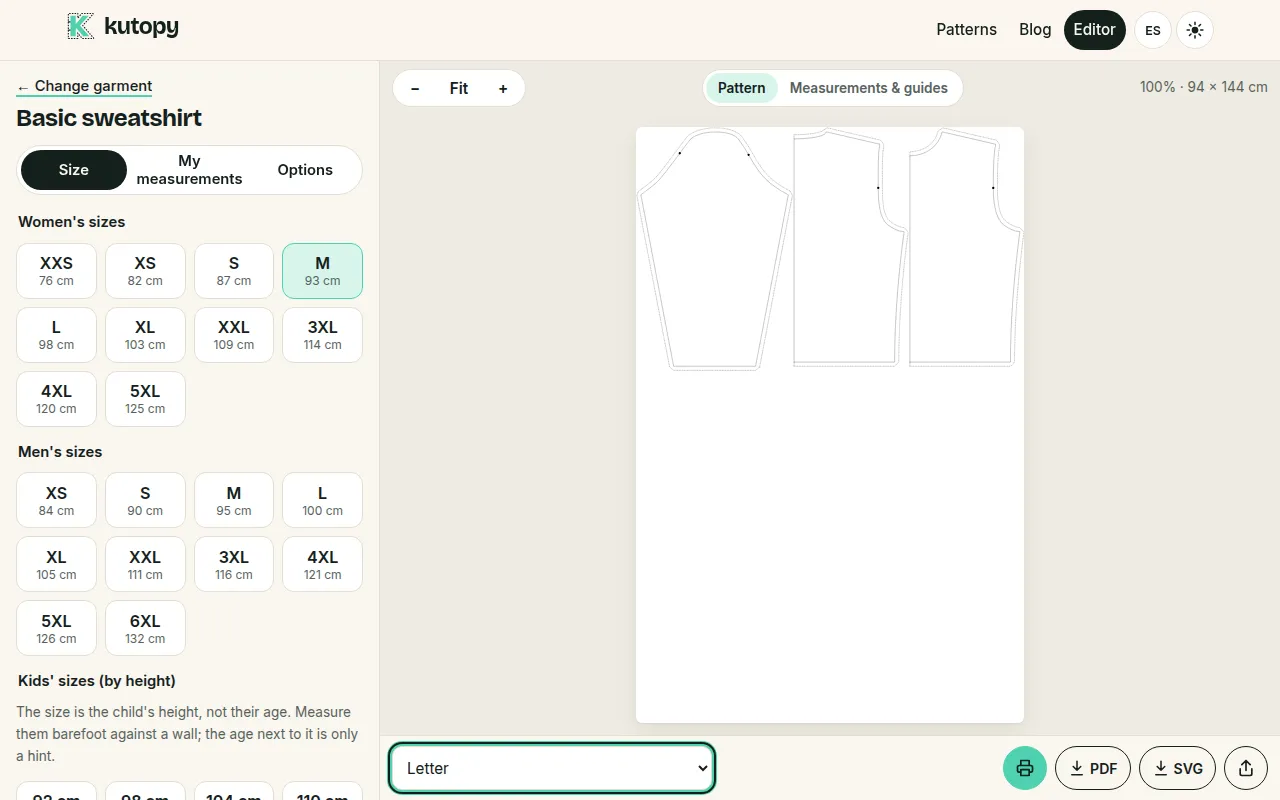
| Basic sweatshirt | 30 | 3 |
| Raglan hoodie | 35 | 3 |
| Long coat (women) | 70 | 6 |
Add a cover page with the assembly map. A4 gives similar numbers, with a few pages fewer on large garments. Rule of thumb: up to about 20 pages, printing at home is worth it; past 30, a copy shop saves you an afternoon.
At home: Letter or A4
- In the editor choose Letter or A4 to match your paper. Do not mix them: a PDF tiled for Letter will not line up on A4.
- Print at 100% or "actual size", with "Fit to page" turned off.
- Find the page with the test box in the print preview, print only that one and measure it: 10 × 5 cm (about 3.9" × 2"). If it is different, fix the scale before you use more paper.
- Lay the pages out following the map on the cover (each shows its row and column), line up the frame edges and tape them.
Trim the white margin on one side of each page only (say, always the right and the bottom) and lay that edge over the frame of the next page: that way pages line up without errors adding up. The printing guide has these steps in short form.
At a copy shop or on a plotter
The editor prepares the PDF in four large formats:
- Full size, single sheet: the whole pattern on one page the exact size of the pattern. Ideal for a plotter.
- 36" (91 cm) plotter roll: the most common roll width; the length is whatever it needs.
- 70 × 100 cm and 100 × 140 cm sheets: for shops that work with large loose sheets.
Bring the PDF on a USB stick or email it and ask, word for word: "actual size, 100%, no scaling". Before paying, measure the test box on the printout.
If the test box is not 10 × 5 cm
- It measures slightly less (9.7 × 4.85 cm, for example): the printer or PDF viewer scaled to fit. Look for "Scale: 100%" or "Actual size".
- The width is right but the height is off: the printer is stretching the paper. Try another tray or heavier paper.
- You are printing from a phone: some print apps cannot set the scale. Move the PDF to a computer.
After printing
Before you cut the fabric, go over how to read a sewing pattern: which line you cut, which you sew, and what the notches are for.
 Try it with your measurementsBasic sweatshirt: choose the paper and downloadOpen in the editor
Frequently asked questions
How do I print a PDF pattern at actual size?
In the print dialog choose 100% or "actual size" and turn off "Fit to page". Then measure the test box: it should be 10 × 5 cm (about 3.9" × 2").
How many pages is a pattern?
It depends on the garment and size. In size M, a basic T-shirt takes 15 Letter pages, a sweatshirt 30 and a long coat 70 or more, plus a cover page with the assembly map. The editor tells you the exact number when it builds the PDF.
What do I ask for at the copy shop?
Ask them to print the PDF "at actual size, 100%, no scaling", on a plotter or the format you chose (36" roll, 70 × 100 cm or 100 × 140 cm sheets).
Can I print a Letter pattern on A4?
Better not: the pages will not line up. Choose the paper in the editor before downloading and the PDF is tiled for that format.
How do I tape the pages together?
Each page shows its row and column. Lay them out following the map on the first page, line up the frame edges and tape them.

